Time to market
In production months sooner.
Flash a board and it enrols itself on first boot, with your stack running the same day instead of after a six-month platform build.
AdmiralOS · Fleet platform for robots and edge AI
The Linux OS, update system and remote access under your robot, already built and maintained, so your team can ship the robot months sooner.
01 / 10 · Autonomous robotics
Humanoid robot
 Why Admiral
Keep your robot platform, your operator console and your data pipeline. Admiral only owns the layer below your container that keeps the computer booted, updated and reachable. Teams usually come to us at one of three moments.
Admiral OS and fleet platform
What Admiral ownsTime to market
Flash a board and it enrols itself on first boot, with your stack running the same day instead of after a six-month platform build.
Ownership & boundary
Keep your operator platform, your telemetry pipeline and a standard OCI image that runs on plain Docker the day you walk away. We maintain the kernel, A/B update slots and CVE patches underneath.
Operations
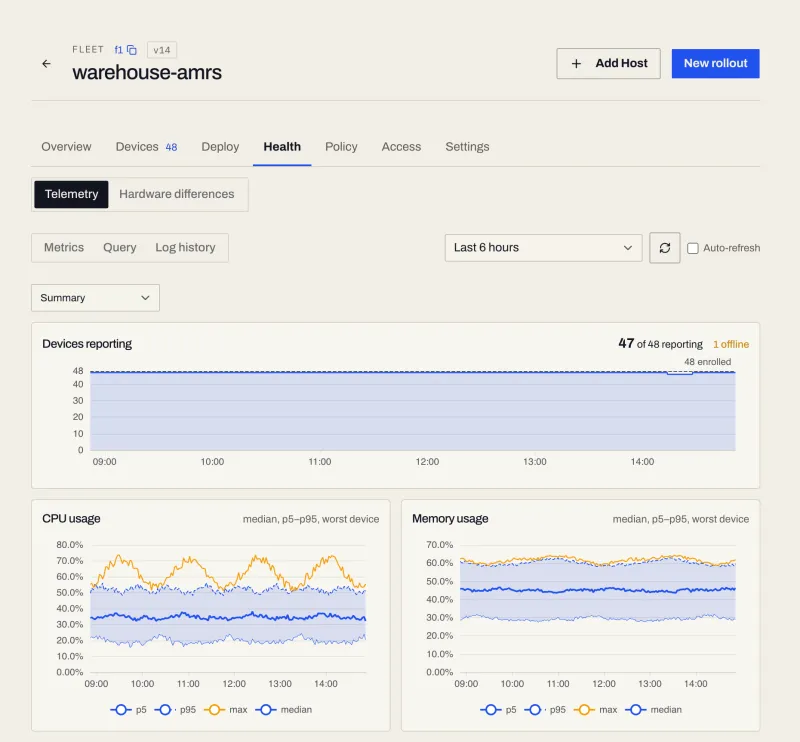
Updates install to a spare partition and revert on their own if the health check fails. You have logs, metrics and a shell into the workload without opening an inbound port.
In the field
Customer story · Robot for Hire
Robot for Hire moved their Unitree G1, Rocco, onto Admiral in a day and spent the next three weeks building the autonomy that now walks it around Sydney on its own, without writing any of the OS, update or remote-access tooling underneath.
"It made our deployment ten times faster."
How it works
Your Dockerfile compiles into a signed, read-only OS image for your board on x86, ARM or RISC-V.
Each device provisions itself on first boot and receives its own hardware identity.
Staged rollouts write to the inactive partition and only cut over once the health check passes.
Monitor health, open a workload shell over an outbound connection, and ship OS patches for the life of the machine.
Dockerfile
FROM ubuntu:26.04
RUN  apt-get install -y \
     ros-jazzy-base perception-stack
COPY config/ /etc/admiral/
CMD  ["/opt/perception/run"]
admrl rollout status robotics‑autonomy ‑‑watch
14:22:05 amr-prod-aus-0187 pulling_image
14:22:09 amr-prod-aus-0187 pulling_image -> starting
14:22:12 amr-prod-aus-0187 starting -> converged
14:22:12 counts converged 1/412, admitted 1, in flight 0, failed 0
14:22:41 counts converged 412/412, admitted 412, in flight 0, failed 0
Immutable Linux · No inbound ports · Offline‑first · Post-quantum crypto
The console
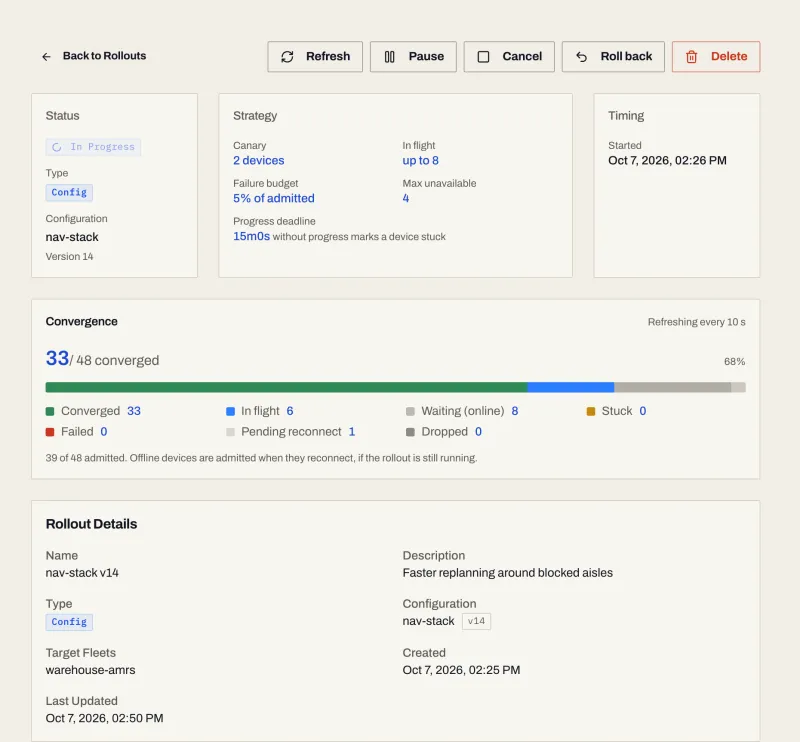
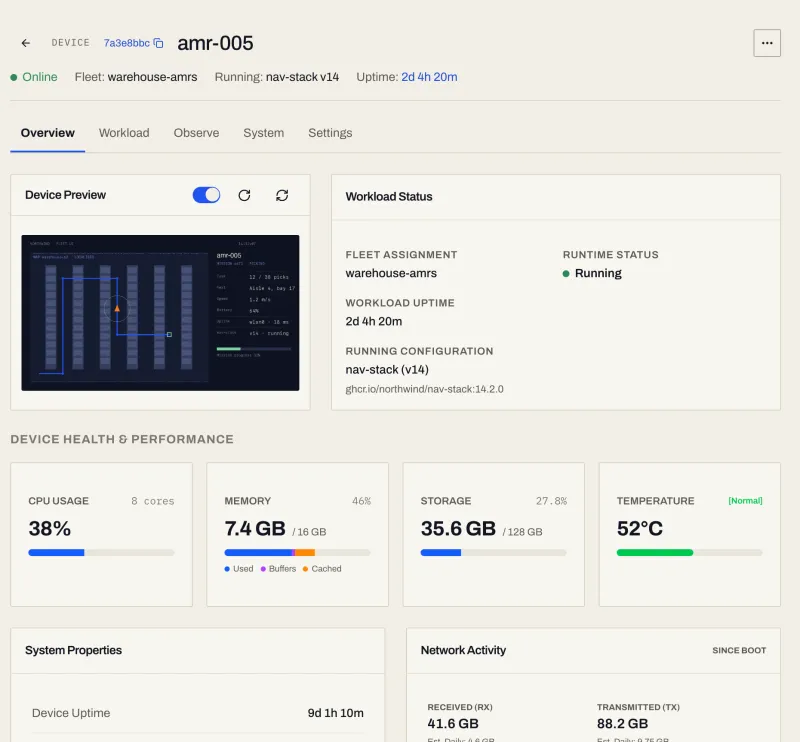
Inspect a single robot, watch a rollout converge across the fleet, or open a shell into a running workload from the browser.
Updates
Admiral sends only what changed, for the OS and your apps, so even a weak connection keeps up.
Container image
nginx 1.27.2 to 1.27.3
Full
72 MB
Update
1.95 MB
37x smaller
App update
Admiral signage app, small fix
Full
534 MB
Update
5.5 MB
97x smaller
Measured sizes of real releases. Each pair is drawn to its own scale.
 The platform
Maintaining your own partition table, update agent and kernel CVE patches does not give you more control over the product. It gives your best engineers a second, permanent job: about 13 engineer-months to a first version on one board, then about 2.5 a year after. The engineer-month bill

Updates
Two slots: the new one must boot and pass its health check, or the old one comes back on its own. Rollouts pause themselves when failures cross your budget.
Updates send only what changedConnectivity
The workload keeps running without a link. Logs and metrics buffer on the device and drain in order when connectivity returns.
Remote access
Open a shell inside the running workload with no inbound ports and no SSH daemon, with live logs, metrics and screenshots alongside it.
Releases
One command drives the canary, rollout window and failure budget, gated by maintenance windows in each site's local time.
Hardware
No general-purpose distro and no container daemon (~100 MB, under 10 s to workload). Kernel modules are compiled in and cameras, CAN, serial and Jetson GPUs pass straight through.
Hostile sites
People walk up to field machines with USB sticks and pull drives. Every boot is checked by a dm-verity Merkle tree, disks are sealed to the TPM, USB is policy-gated, and every link uses hybrid post-quantum TLS.
By month eighteen
| Trade-off | Build in-house | Mender | Ubuntu Core | Balena | Admiral |
|---|---|---|---|---|---|
| What your team maintains | The whole OS, update agent and VPN | Your OS image + Mender client | Your snaps + kernel and gadget snaps | Containers on balenaOS | One Dockerfile |
| Getting a CVE fix onto the fleet | You patch, build, test and ship it | You rebuild your OS image | Canonical refreshes core snaps; a custom kernel snap is yours | balena releases host OS updates | Admiral ships the patched OS; your image is untouched |
| When an update fails on site | Custom scripts or a truck roll | A/B rootfs (you integrate the client) | Snap reverts; no fleet-wide pause | A/B host OS; app rollback by pinning releases | A/B OS + workload rollback; rollout pauses itself |
| Adding a new compute board | Port and maintain another image | Rebuild Yocto / Debian layer | Certified board, or you build the kernel and gadget snaps | Supported boards or custom Yocto | Same Dockerfile; Admiral builds the board |
| Offline & bad networks | You build and test the edge cases | Enterprise / offline add-on | Side-loaded snaps; Landscape sold separately | Offline reflash workflow | Runs offline; buffers and drains on reconnect |
| Lock-in if you walk away | Tied to the engineer who wrote it | Mender client + artifact format | Snap format and store; OCI via the Docker snap | Multi-container balena supervisor | Standard OCI image; one command reflashes to your own OS |
Robot operations tools such as Viam, Formant and Foxglove run on top of the OS Admiral maintains, not instead of it.
Before you decide
Where Admiral stops, how much of the machine it takes, how it survives a hostile site, and what happens if you leave.
No. Your autonomy stack, ROS 2 nodes, drivers, operator console and data pipeline stay yours and run unchanged inside your container image. Admiral owns the layer below that image: the kernel, the A/B update slots, device identity, remote access and the fleet console.
Very little. AdmiralOS is a minimal immutable image with no general-purpose distribution and no container daemon under your workload, so on a Jetson Orin it leaves most of the RAM and all of the GPU to your stack. Kernel modules are compiled in and the full device tree is passed through, so cameras, CAN, serial and CUDA behave as they did on bare Ubuntu.
Your workload is a standard OCI image built from your Dockerfile and stored in your own registry. It runs on plain Docker on any Linux machine today, and it still runs the day you stop paying us. Leaving is one command: admrl device exit, in early access, stages any disk image you choose at the tail of the disk, reboots into memory and writes it over the whole disk, for one robot or a whole fleet. A USB reflash works on every device today. What boots afterwards under Secure Boot is on the leaving-admiral page.
No. Put one spare robot on Admiral and run it beside the fleet you have. Nothing changes for the machines you have not flashed. Move the rest when the spare has earned it, or never.
You can build it, the same way you could run OpenFaaS on raw EC2 instead of using Cloudflare Workers. Almost every team starts on the silicon vendor's image, discovers it has not been patched in six months or six years, tries to move to mainline, and discovers the NPU, ISP, cameras or power management depend on out-of-tree vendor patches. Doing that bring-up, A/B rollback, hostile-site lockdown and weekly CVE patching takes about a senior engineer for a year on the first board and keeps taxing the roadmap at scale. The engineer-month bill is on the build-versus-buy page.
A machine in a customer's building sits where strangers can touch it, plug a USB stick into it or pull its drive, and people do try. Keeping a field Linux box locked down against physical access while kernels release weekly and CVEs land daily is a full-time job; Admiral is built for that and for the enterprise security review that checks it. Every device connection uses hybrid X25519 + ML-KEM-768 post-quantum key exchange over TLS 1.3 by default. The root filesystem is read-only and verified on every boot by a dm-verity Merkle tree, disk encryption is sealed to the TPM against Secure Boot state, each device has its own hardware identity with short-lived rotated credentials, and every system binary is compiled from source with no distribution packages. The full posture, including the security-questionnaire support, is on the security page.
Launch is US$500 a month for up to 10 devices, Growth is US$1,500 for up to 100, and Scale is US$2,500 for up to 250, each with kernel and CVE patching, A/B updates, remote access and every supported board included. Past 250 you keep the Scale base and pay a falling per-device rate down to US$1. Logs, bandwidth, registry fallback, AirDetect and AdmiralAI are usage-based on top. The first five devices on any account stay free for building.
EdgeWire
Early access
A Go library and an admrl edgewire command set that give you a socket to any service on a robot. Direct where the network allows, relayed where it does not.
See EdgeWireGo
err := edgewire.Forward(ctx, "127.0.0.1:18080", edgewire.Options{
    DeviceID: "edge-1",
    OrgID:    org,
    Service:  "http",
})
or the CLI
$ admrl edgewire forward edge-1 http 127.0.0.1:808010 Gbit/s
Built for it on a direct path
LEO and 5G
Adapts to changing latency and loss
QUIC
One encrypted transport per session
FEC
Adaptive forward error correction
ML-DSA-65
Post-quantum signatures, FIPS 204
P2P + relay
ICE direct path, TURN fallback
Where it runs
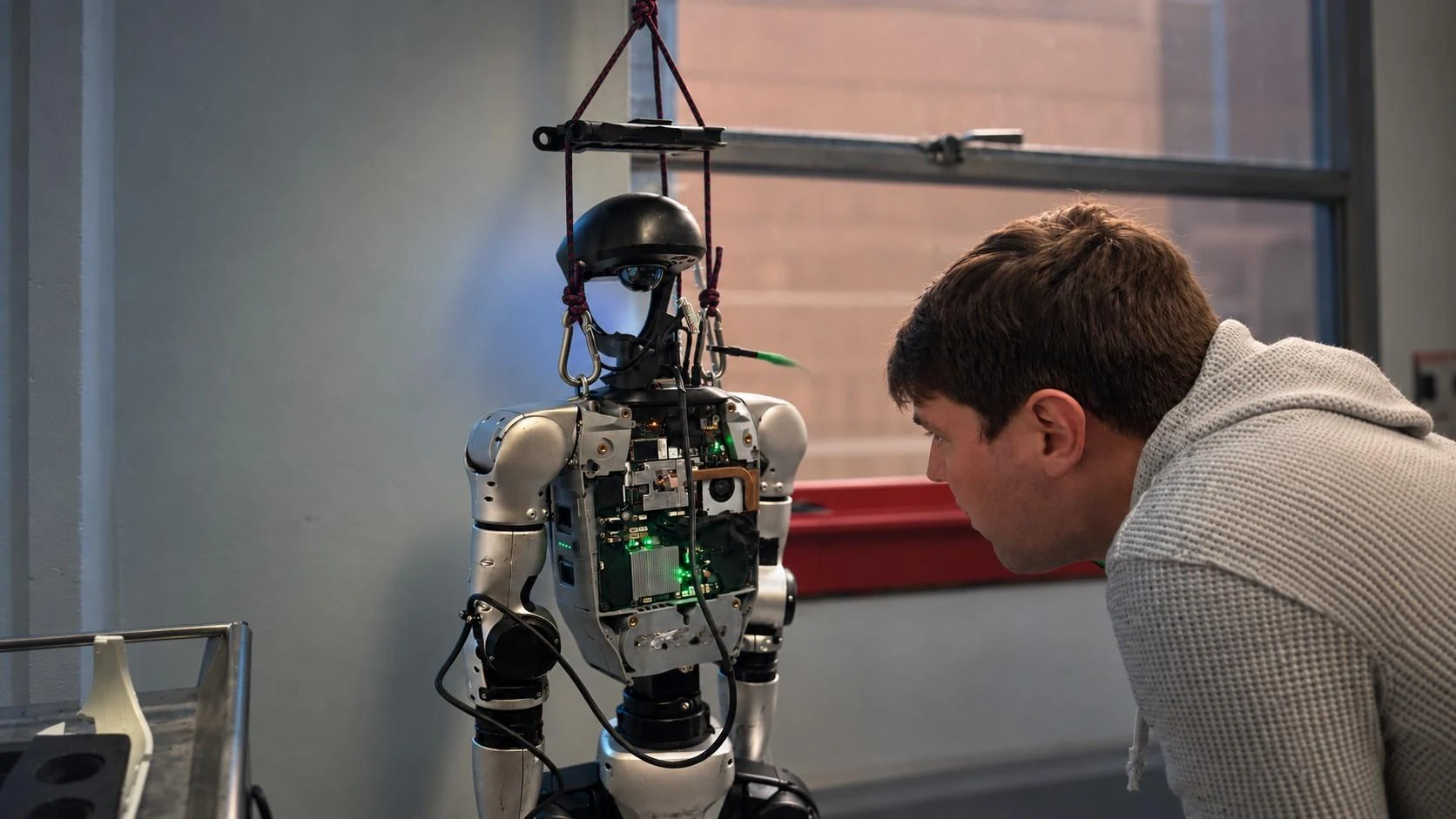 Autonomous Robotics
ROS 2, zero-copy shared memory and full hardware pass-through, with updates that never strand a robot mid-shift.
Explore robotics From the blog
2 Oct 2026 · 12 min read
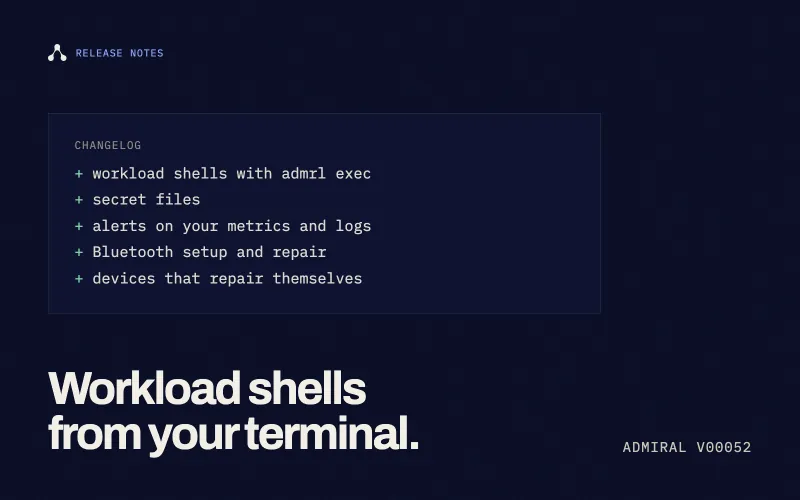
A command-line tool with workload shell access, encrypted secret files, custom alerts on metrics and logs, Bluetooth setup and repair from the browser, self-repairing updates, NVIDIA GPU support, and a fallback that gets through corporate firewalls.
Admiral Engineering
31 Aug 2026 · 4 min read
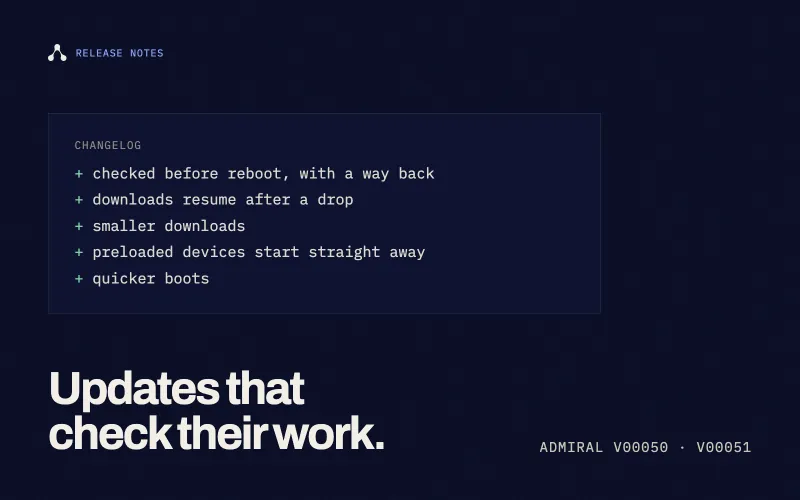
Updates that check their own work before a reboot, downloads that pick up where they left off, and devices that get to work faster on first boot.
Admiral Engineering
19 Aug 2026 · 3 min read
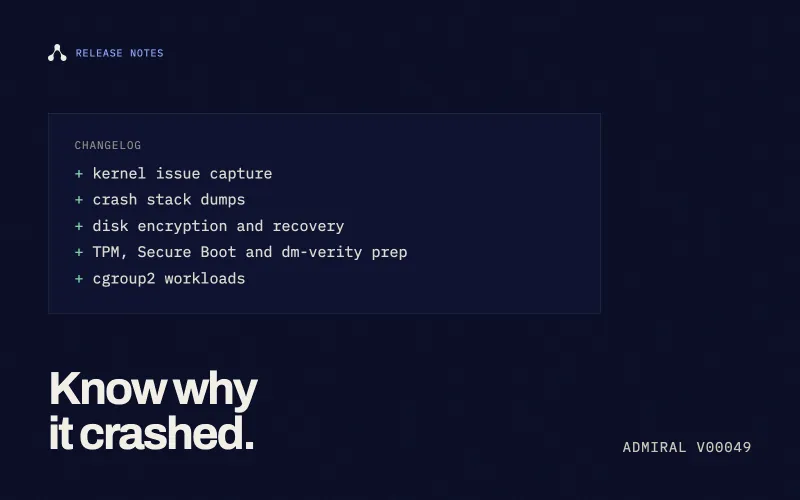
Introducing TPM/Secure Boot prep, dm-verity, automated crash recovery, cgroup2 workload management, and massive image pull refactors.
Admiral Engineering