Admiral v00050 & v00051: Safer Updates and Downloads That Survive Bad Connections
Updates that check their own work before a reboot, downloads that pick up where they left off, and devices that get to work faster on first boot.

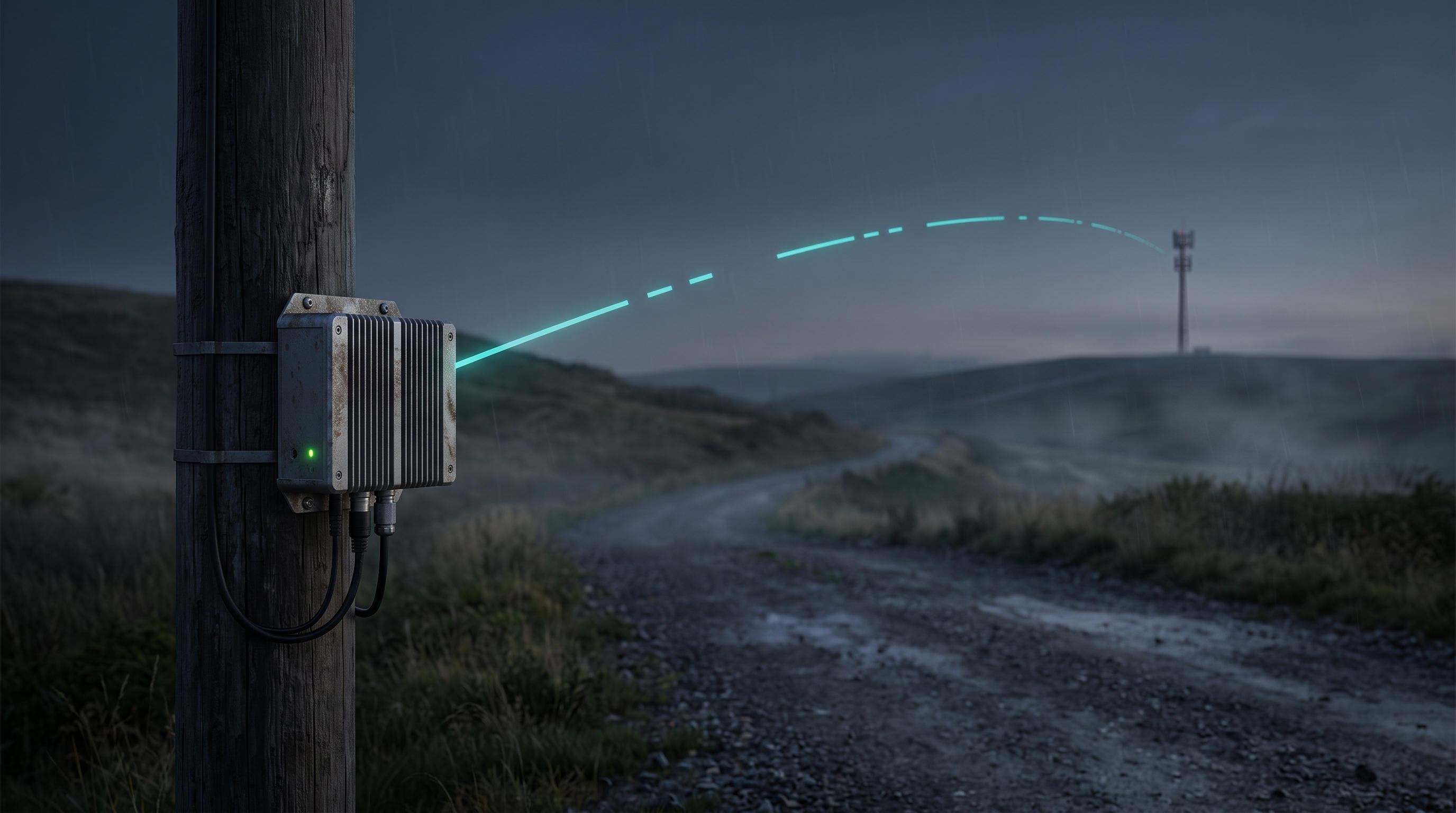
We are shipping Admiral v00051.
Note: v00050 and v00051 are the same release. We moved to a new build pipeline partway through, and it renumbered the build. If you see either version on a device, it is running the same software.
This release is about the two things that go wrong most often once a device leaves your bench: an update that doesn’t land cleanly, and a connection that can’t hold up long enough to finish a download. Neither should mean someone drives out to the site.
1. Updates That Check Their Own Work
An OS update is the riskiest thing you can do to a remote device. If it goes wrong, the device may not come back, and you won’t be able to reach it to find out why. v00051 changes how updates are downloaded and applied:
- Smaller downloads: Devices now download only the parts of the OS that changed, not the whole image. That matters when every megabyte goes over a metered cellular or satellite link. If nothing changed, nothing is downloaded.
- Checked before reboot: Before a device switches to the new version, it confirms the update arrived intact, was built for that hardware, and carries a valid bootloader signature. If any of those checks fail, the device stays on the version it’s running now.
- A way back: The device remembers which version last booted successfully, and only tests one new version at a time. If the new version doesn’t come up, it goes back to the last one that worked.
For you, a bad download or a mismatched image is now a failed update in the console, not a device that stops responding in the field.
2. Built for Connections That Drop
Most edge devices don’t sit on fibre. They’re on 4G in a carpark, Wi-Fi at the far end of a warehouse, or a satellite link that fades in bad weather. v00051 works with how those networks actually behave:
- Downloads resume: If a connection drops halfway through pulling a container image or an update, the device picks up where it stopped instead of starting over. On a slow link, that’s the difference between an update that finishes and one that never does.
- Normal lag isn’t treated as a failure: Cellular connections are jittery by nature. Admiral used to read that as the link failing and back off, which slowed things down further. It now only backs off when the connection is actually congested.
- You can still reach the device: While a device is busy downloading something large, its management traffic now goes first. You can still see it, send it commands, and open a support session during a big download.
- Support sessions hold on: Remote support sessions no longer close on a brief dropout. On a patchy link they stay open while the connection recovers.
- Safer fallback DNS: When a site’s own DNS isn’t available, devices now fall back to resolvers that block known-malicious domains.
3. Up and Running Faster
When a device is installed on site, how long it takes before it’s doing its job is how long someone has to wait with it.
- Preloaded devices start straight away: Devices built with their workload baked into the image now unpack it during installation and start it on first boot. They no longer download the same image again once they connect.
- Workloads pick up new images reliably: Fixed a bug where some workloads failed to download a new image after their configuration changed.
- Faster unpacking: Container images now unpack in a single pass, so new workloads start sooner.
- Quicker boots: Devices find their hardware sooner, don’t wait on Bluetooth hardware that isn’t there, and skip checking network ports that aren’t connected.
4. Knowing What Happened Before a Reboot
When a device reboots because something went wrong, the useful part is usually the last few seconds before it went down. Those were often the logs that got lost. Admiral now sends any logs still waiting to go out before a reboot or shutdown. If the device can’t reach the cloud at that point, it saves them locally and sends them after it restarts. You get the full picture of what happened, not just what came after.
5. Smaller Improvements
- Disk encryption only where it’s safe: Encryption tied to the device’s security chip is now only turned on when Secure Boot is active. Without Secure Boot, that link could fail on the next boot and lock a device out of its own data.
- Cleaner device history: Virtual network interfaces created by containers no longer show up as hardware changes on the device record.
- Less wear on new disks: Routine disk maintenance no longer runs the moment a new device first boots. It starts on its normal schedule instead, which helps the flash storage in smaller devices last.
- Installer polish: The installer USB now shows a splash screen and builds more reliably.
Daniel Ward
Co-founder & CTO
Daniel runs engineering at Admiral and has a rich background in highly distributed linux systems across infrastructure and finance.