Admiral v00039 & v00040: Hardening Edge Networking, Storage, and Resilience
From intelligent SD-WAN link selection and automatic 6-hour rollbacks to wear reduction and installer diagnostics, this release brings enterprise-grade stability to harsh environments.

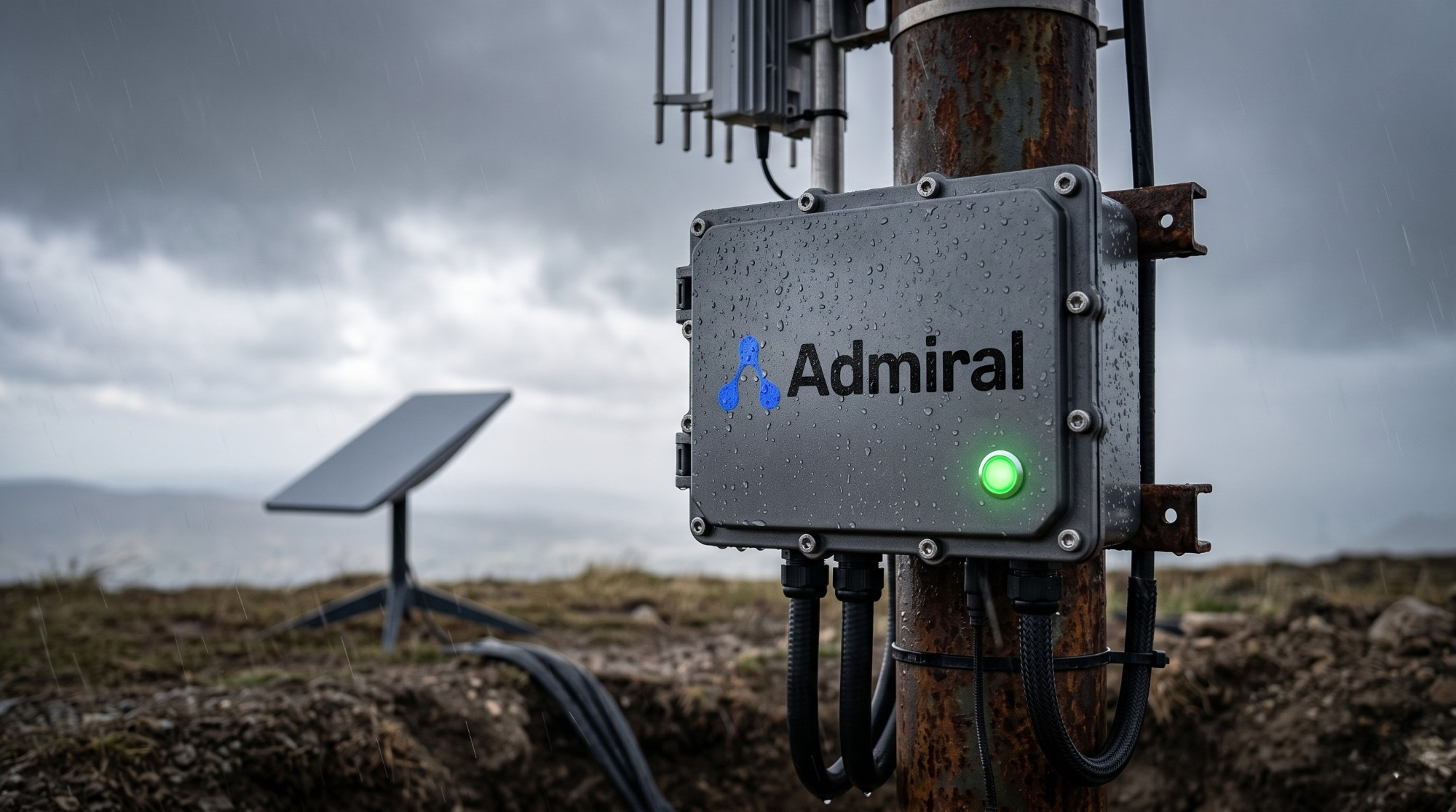
We are excited to roll out Admiral v00039 alongside a rapid fast-follow payload, v00040. While our last few releases focused on user experience and broad workload features, these updates dive deep into the engine room.
Operating at the edge means dealing with unreliable power, high-latency satellite connections, intermittent cellular backups, and cheap flash storage. These releases introduce robust under-the-hood enhancements to handle these exact challenges—giving systems engineers the technical control they crave, while offering enterprise teams the reliability needed to prevent expensive field technician visits.
Here is a breakdown of what’s new in these updates.
1. Bulletproof Networking & Cost Optimization
Edge devices often hop between wired ethernet, Wi-Fi, and cellular backups. Keeping these connections stable and cost-efficient is incredibly challenging. Version v00039 introduces several advanced traffic-resilience features:
- Intelligent SD-WAN & Path Selection: Admiral now actively monitors multiple active WAN paths and intelligently anchors traffic to the lowest latency connection that successfully completes a handshake. If a site’s Wi-Fi gets congested but a reliable Ethernet connection is plugged in, the system automatically bypasses the noisy wireless link to preserve control-plane visibility.
- Stall-Free Upgrades via Adaptive Resumes: Downloading system updates (like large kernel images and rootfs binaries) over unstable cellular links can result in corrupted transfers or stalled TCP sockets. We designed a connection-recovery engine that monitors for stalled data streams and automatically recovers interrupted transfers, preventing unnecessary full-file re-downloads.
- Dynamic Network Shaping: We introduced a network shaping client that dynamically resizes TCP socket buffers and adjusts packet IP priority on the fly based on real-time backpressure. This keeps the control plane responsive even when workloads are saturating the local uplink.
- Low-Bandwidth Health Checks: We’ve optimized our health-checking telemetry routines, reducing control-plane metadata bandwidth by roughly 33%. For deployments operating on metered satellite (like Starlink) or cellular links, this translates to immediate cost savings.
- Admiral Mesh Under Extreme Latency: Mesh routing parameters have been custom-tuned for high-latency environments. The control plane now supports rapid connection-drop workflows to quickly reload routes when switching WAN interfaces.
2. Hardening Local Disk Storage
To extend the lifespan of solid-state storage running at the edge—where unexpected power cuts and heavy log rotation can quickly degrade flash media—we have optimized our file-system access layer:
- Reduced Write Amplification: We updated default file-system flush limits and neutralized redundant access updates. This prevents the operating layer from continually writing unnecessary tracking metadata back to disk, drastically lowering flash wear.
- Structural Duplication: To safeguard the node against corruption during sudden power failures, internal system metadata structures are now explicitly duplicated across storage margins.
- Unified Multi-Arch Boot Pipeline: We unified our system bootloader architecture across both x86_64 and ARM pipeline configurations. This consolidation allows us to maintain a single, hardened codebase for low-power ARM gateways and high-performance server edge nodes alike.
3. High-Security Control Planes & Automated Safety Nets
If an upgrade fails on an unattended device in a remote location, manual recovery can be incredibly expensive. This release introduces a zero-touch safety net to prevent “bricked” nodes:
- 6-Hour Automatic Rollback Net: If an OS upgrade is applied but the device fails to successfully establish a connection back to the backend control plane or the Admiral Mesh within 6 hours, the local system will automatically flag the deployment as failed and perform a clean rollback to the previously functioning operating system. This window is currently static to guarantee devices are never permanently stranded.
4. Performance & Efficiency Gains
- Sub-10s Cold Boots: Following a heavy refactoring of our system initialization services, Admiral can now boot to an active workload state in less than 10 seconds on premium edge hardware.
- Resource Optimizations: Zstd telemetry and logging serializers have been tuned to lower the heap memory footprint on resource-constrained units during heavy logging spikes.
- Workload Sync Fix: Resolved a state-synchronization bug where some workloads would loop-restart on boot due to an overly sensitive deep-comparison check of active VS target configuration definitions.
5. Fast-Follow: v00040 Provisioning & Installer Enhancements
Shortly after tagging v00039, we shipped v00040 to clean up and bulletproof our local metal provisioner system. This is crucial for initial zero-touch provisioning (ZTP) stages:
- Disk Partitioning Integrity: Resolved a critical installer bug induced by upstream formatting changes in our disk-layout libraries, ensuring bare-metal disk partitioning completes successfully during initial node imaging.
- Early-Stage Telemetry Diagnostics: We shifted temporary log creation much earlier into the installer boot sequence. If a hardware provisioning process encounters an error on-site, debugging telemetry is now captured immediately, preventing “silent” failure states on unusual hardware configs.
6. System Polish & Micro-Fixes
Not every improvement is a major architectural milestone. This release also includes key quality-of-life adjustments to make daily operations smoother:
- TUI Uptime Polish: The Terminal User Interface (TUI) now correctly renders system uptime in days and hours (previously it was showing purely total hours for long-running nodes).
- Smart Wi-Fi Scanning: Disabled active background SSID scanning searches on edge devices that do not have physical Wi-Fi radios installed, cutting down on needless system noise.
- Time Sync Resolution: Patched a system-clock sync issue that could cause security certificate handshake failures during early hardware boot sequences.
- Brand-New Splash Screen: Added a clean startup splash screen to local physical monitors during the initial boot sequence.
- Upstream Updates: Packaged the latest
linux-firmwareupdates and Intel CPU microcode patches to address upstream security findings.
Daniel Ward
Co-founder & CTO
Daniel runs engineering at Admiral and has a rich background in highly distributed linux systems across infrastructure and finance.